> For the complete documentation index, see [llms.txt](https://docs.creditcoin.org/llms.txt). Markdown versions of documentation pages are available by appending `.md` to page URLs; this page is available as [Markdown](https://docs.creditcoin.org/releases/3.52.0-mainnet/3.52.0-mainnet-considerations/eras-384-to-385.md).
# Eras - 384 to 385
This page is an archive of expected display issues that existed during the first 2 eras (384-385) post `3.52.0-mainnet` runtime upgrade, which are no longer relevant.
### Summary
* ["Other Stake" disappearing on Polkadot.js frontend](#other-stake-disappearing-on-polkadot.js-frontend)
* ["Active Nominators" disappearing from the "Targets" view on Polkadot.js frontend](#alternative-places-where-these-numbers-can-be-checked-are)
#### "Other Stake" disappearing on Polkadot.js frontend
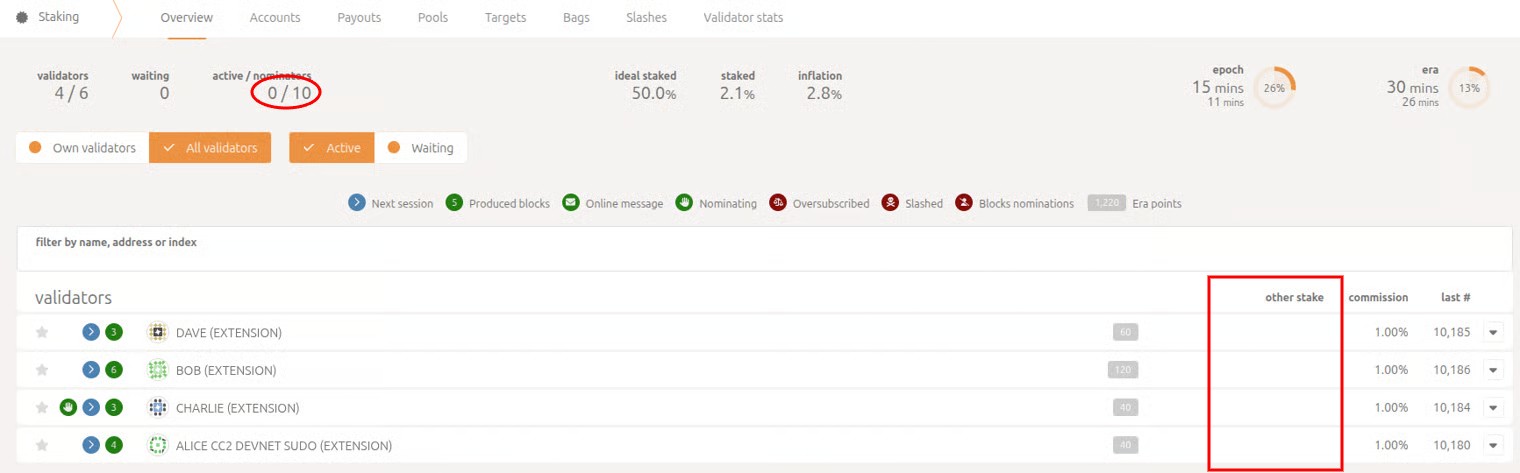
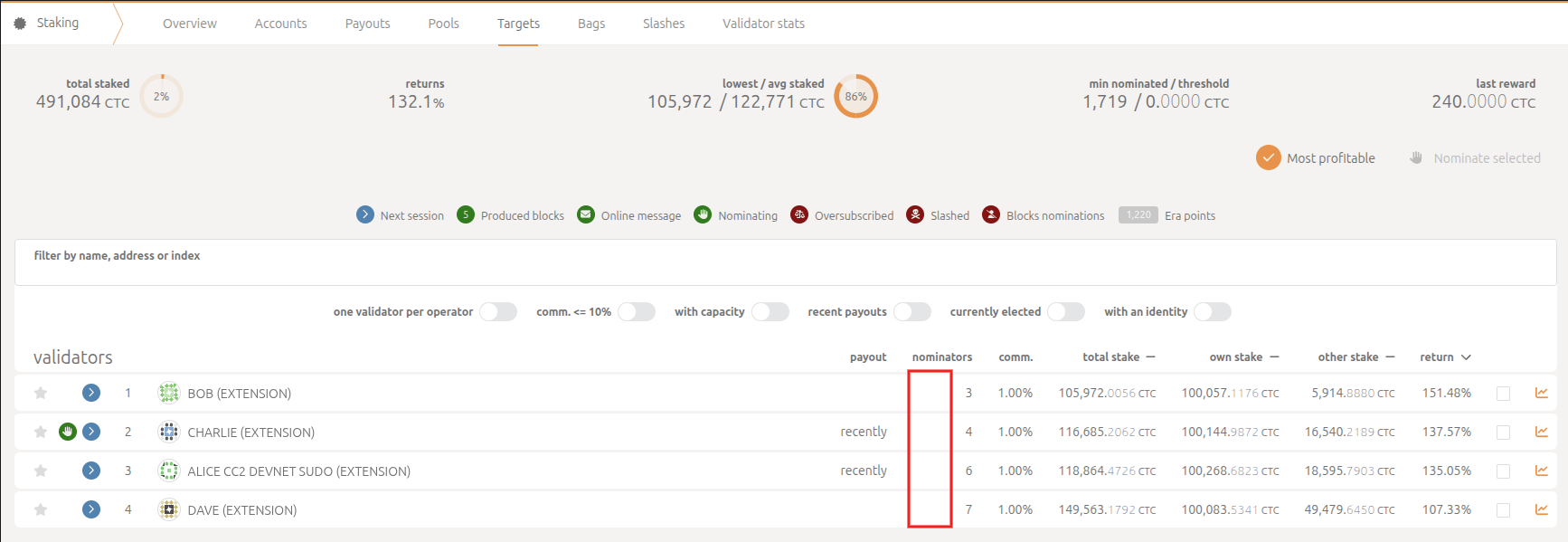
During the first era, after the runtime upgrade, the users will notice that the "other stake" indicator, together with the "active" nominators on the [polkadotjs apps frontend](https://polkadot.js.org/apps/?rpc=wss%3A%2F%2Fmainnet3.creditcoin.network#/legacy-staking) staking page, will disappear. This happens due to the update in `pallet-staking` storage API.
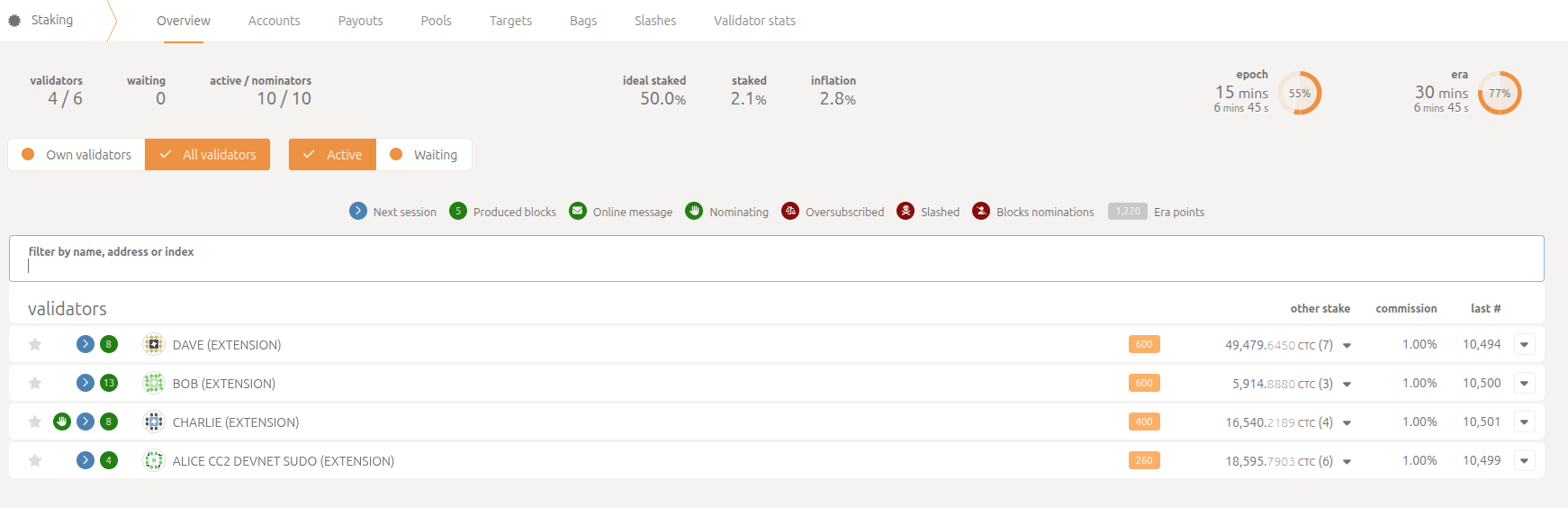
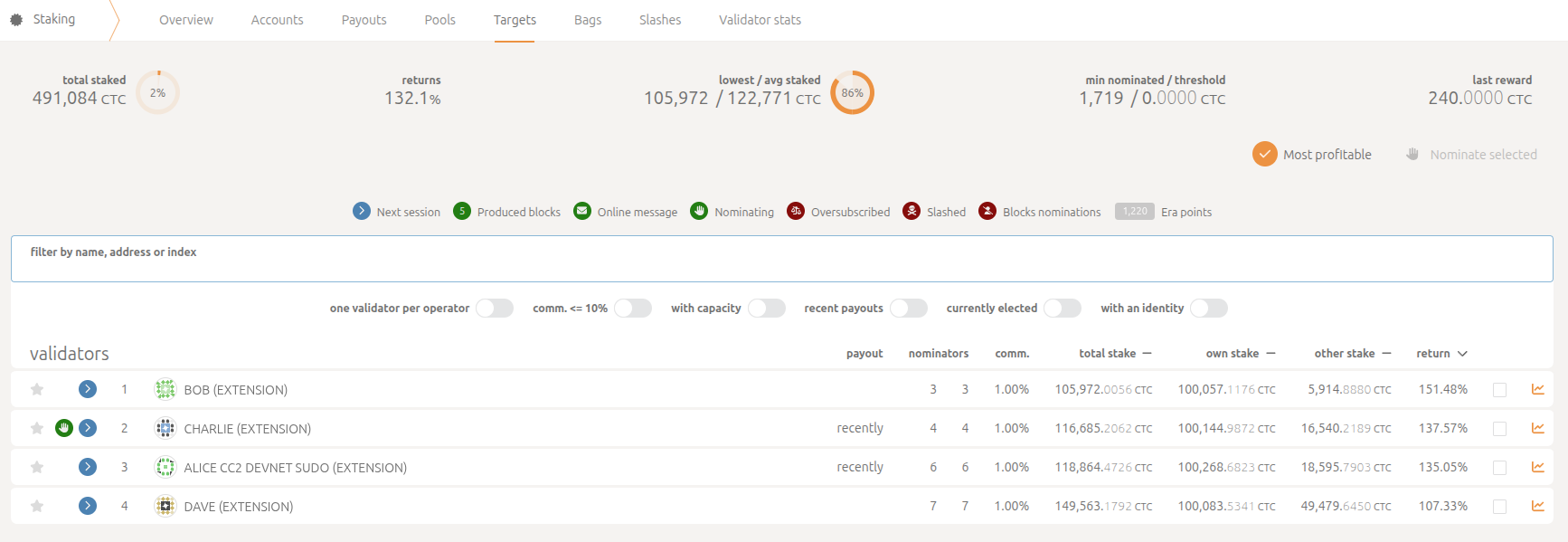
This issue resolved itself once the first era ended. "other stake" became visible as well as the identities of the nominators nominating a specific validator
#### Alternative places where these numbers can be checked are:
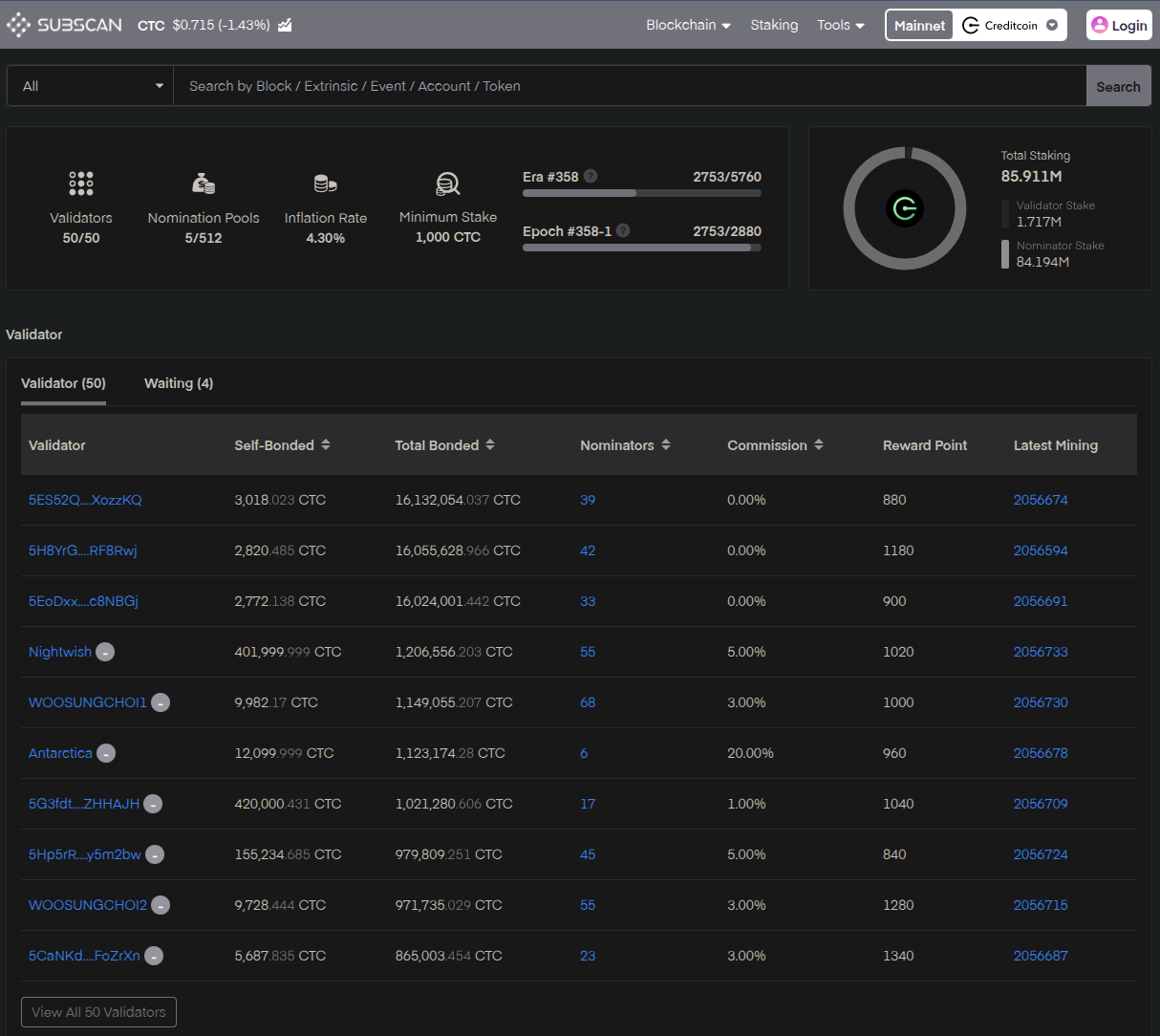
* Creditcoin3 Subscan: \
\
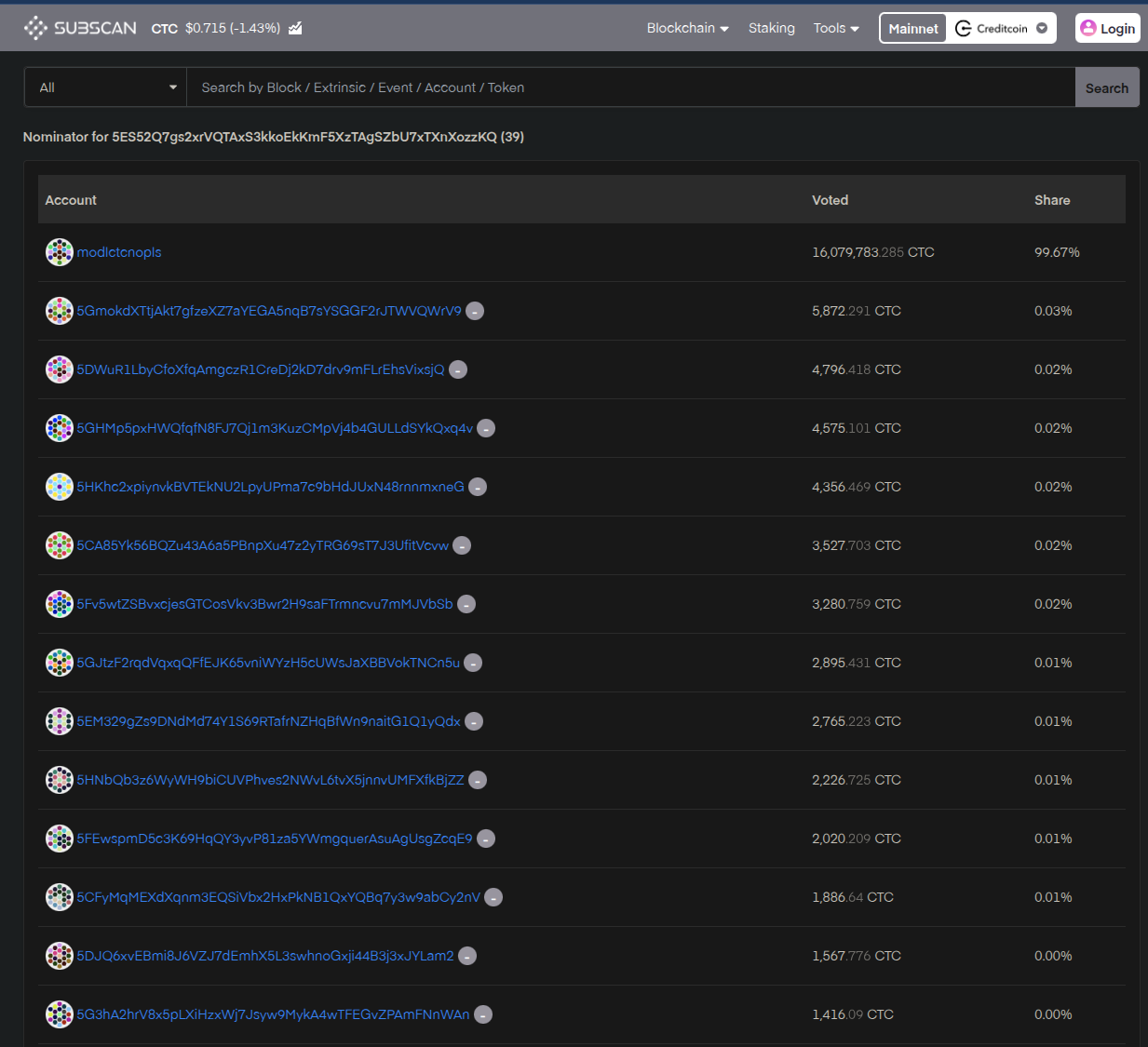
This resource will be useful to visually check the number and identity of nominators for individual validators, while the polkadotjs app frontend is not displaying the values correctly during the first few eras post-runtime upgrade
As well as checking individual nominators per validator and their stake by clicking on the number of nominators
* Staking Dashboard: \
\
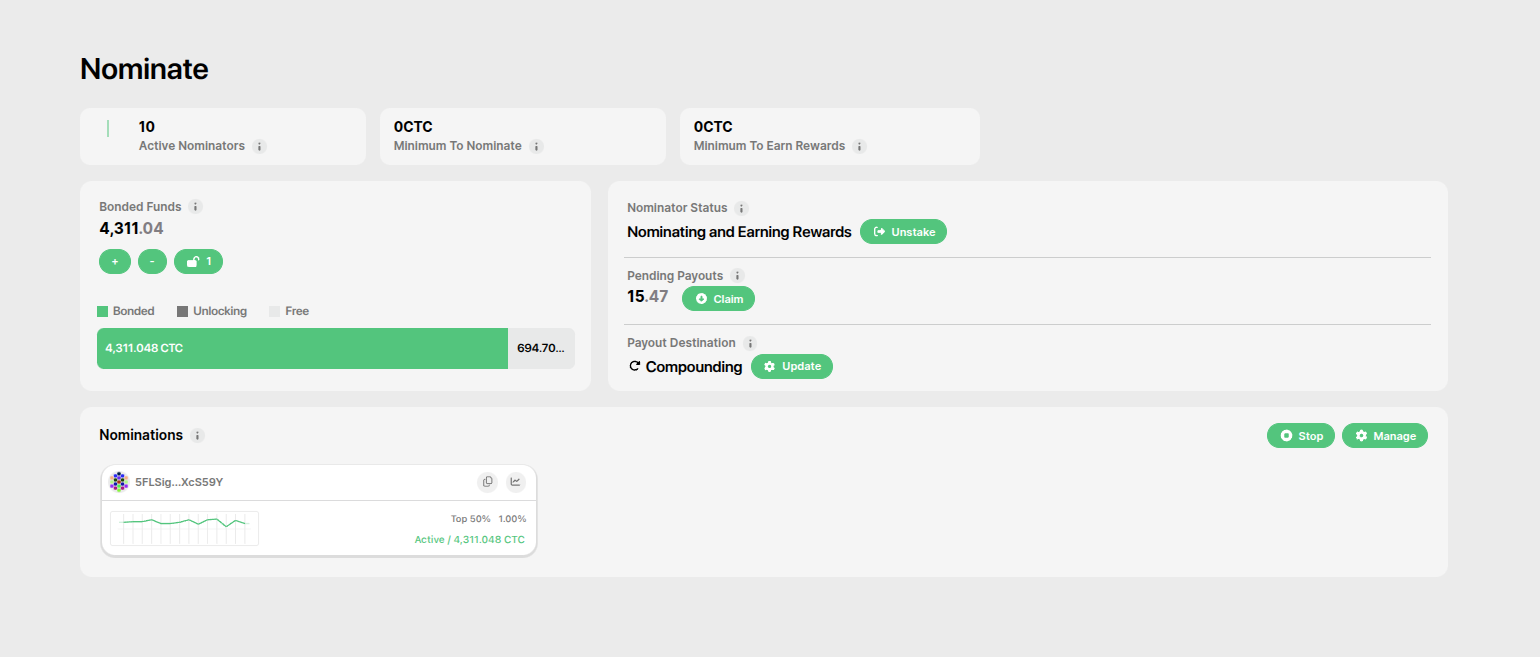
If you need more details about your specific nominations, you should head over to the Creditcoin3 Staking Dashboard, which will display every detail correctly for your specific nominations, as well as the number of total active nominators, together with the pending payout amounts for the past 7 days.
* Blockchain Storage Calls: \
\
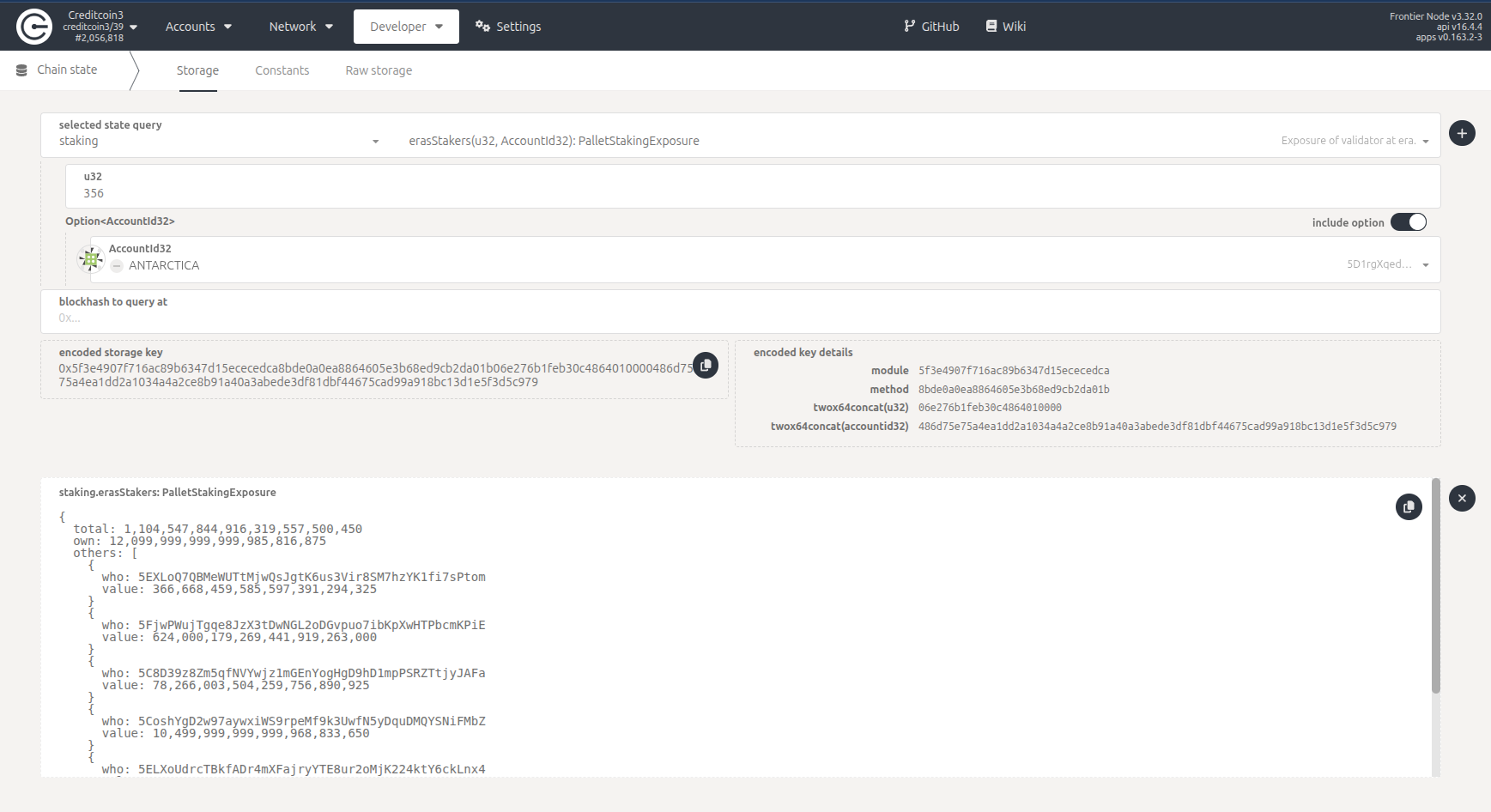
Querying `staking > erasStakers` for the current era and your nominated validator, will show you the full list of the nominator stashes and their stakes for this specific validator for a given era. You can verify that your account is indeed in the list of nominators and earning rewards. \
\
*Note: for the eras after the runtime upgrade (Era 384), use staking > erasStakersPaged to get the staking information.*
#### Active nominators disappearing from the "Targets" view
Same as above, the users will see the number indications for active nominators disappear across corresponding validators. All the sources stated above can be used to verify that the nominations are still very much active.
And this issue, as well as the first one, gets resolved after the first era post-runtime upgrade